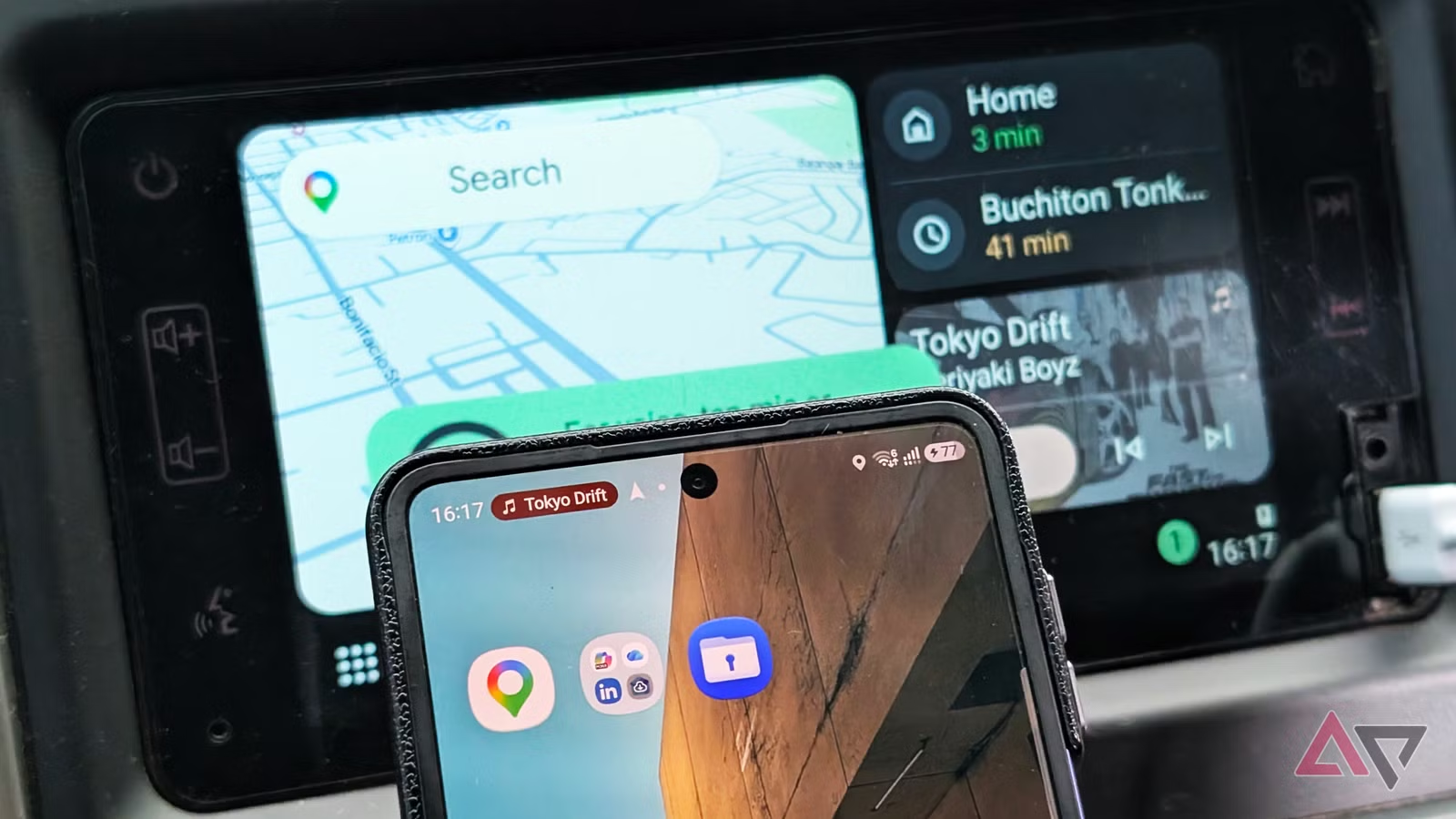
Do you remember the old days of car infotainment systems?
You’d spend a fortune on a new vehicle, only to find the built-in navigation was slower than dial-up internet, and voice commands forced you to sound like a polite robot.
Android Auto was the fix we needed, turning your vehicle’s display into a safer way to access your phone. At first, it felt like a guest in someone else’s house. Useful but not quite at home.
The story is different now. With AI upgrades, a fresh look thanks to Material You, and better ways to interact, Android finally owns the dashboard. Android Auto feels like the Android we know.
The visual upgrades that make your phone and car look the same
While still finding that sweet spot between good visuals and driver safety

Android Auto played it safe for quite a while. The design was basic, dark, and high-contrast. It got the job done, but it was boring.
Google wanted it to feel more like your phone, so the company brought Material You to Android Auto.
What makes this new look work is the Monet theming system. Android Auto grabs colors from your phone’s wallpaper and uses them across the car’s display.
If your phone’s background has warm earth tones, you’ll see those shades popping up on buttons and highlights in your car.
Visual consistency goes beyond color. The interface icons also moved to the “Squircle” style, which is a rounded square.
Google’s focus on visual consistency and personalization doesn’t stop at accent colors and icons. Google’s designers are always trying to find the sweet spot between good visuals and driver safety.
Earlier Android Auto versions showed a softly blurred background of the song’s album art, which looked great but wasn’t great for visibility. So Google decided to drop it.
This change didn’t sit well with some users. Many missed the colorful backgrounds that changed with each song. It looks like Google heard the feedback.
Rumor has it that Google is planning a toggle that lets you get back the album cover style. It’s nice to see Google’s willingness to adapt and bring personalization back to Android Auto.
Android Auto brings both work and fun in a familiar Android way
But you can only play games when the parking brake is on

With productivity apps, games, and smarter parked-mode tools, Android Auto now acts less like a restricted in-car interface and more like Android stretched onto your dashboard.
If you’re a road warrior, Android Auto lets you use productivity apps like Webex and Zoom.
These are audio-only integrations. You can hop into meetings and calls on your display, but video and slides aren’t available.
Boredom is also becoming a thing of the past. Android Auto supports casual games designed for the car screen when the parking brake is engaged.
Gemini and the brain transplant
Bye, bye, Google Assistant; hello, Gemini

We are witnessing the global rollout of Gemini as the new intelligence layer replacing Google Assistant in Android Auto.
This update changes the voice interface from stiff, one-off commands into a context-aware assistant. Gemini lets you have natural, back-and-forth conversations, breaking free from the old command-and-response style.
Gemini also connects driving data with real-world info. For example, you can start a route, then ask follow-up questions like, “Find a good café along my route that’s open now.”
The AI pulls in live data and user reviews, adding the best spots into your navigation.
Information at a glance with minimal distractions

Google is constantly tweaking the Coolwalk interface. The first rollout laid the groundwork by keeping navigation front and center while putting media controls on the side. But that side panel has room to grow.
Google is working on the Earth project that lets you personalize your main dashboard and add widgets like never before. The design is guided by the glanceability doctrine of quick, useful information with minimal distraction.
This is another example of Android’s trademark freedom of choice making its way into the car.
What’s missing before Android Auto feels truly finished
Wireless Android Auto is hot, and not in a good way

While Android Auto has improved, we can’t ignore the persistent problem. Wireless Android Auto (WAA) is super convenient, but it comes with a downside.
Users have reported ongoing problems with phones overheating and draining batteries fast. Since WAA needs a high-bandwidth connection, it generates a lot of heat.
When you add the heat from inefficient wireless charging coils, phones often reach thermal limits and slow down or shut off.
This is a critical problem Google needs to fix to ensure a reliable Android Auto experience.
Android Auto is now a core part of Android
Android Auto’s journey through 2024 and 2025 has been remarkable. For the first time, the software truly feels like Android on wheels.
Thanks to improvements like Material You’s design language, the Gemini assistant’s contextual understanding, and the Coolwalk UI, Android Auto has grown past its humble beginnings.
Still, the road ahead calls for addressing persistent technical issues, most notably improving wireless connectivity.
With focused efforts, Android Auto can redefine expectations for in-car tech.
At this point, Android Auto isn’t a feature anymore. Google made it central to the Android experience, shaping the way Android fans get around.