Spring cleaning usually means closets, garages, and maybe the junk drawer in the kitchen.
But there’s one thing most of us ignore completely: our computers.
And that’s a mistake. Because a simple cleanup, inside and out, can actually make your computer run faster and last longer.
Let’s start with the part you don’t see.
Dust inside your computer is a bigger problem than you think
Over time, dust builds up inside your computer and turns into a thick layer. That dust blocks airflow and forces the fans to work harder to keep things cool.
You might even hear it. That louder fan noise is your computer struggling to keep from overheating.
Too much heat can wear down internal parts and shorten the life of your machine.
The fix is simple.
Turn the computer off and unplug it. If you’re comfortable doing it, remove the cover and use compressed air to blow dust out of the vents and filters.
Just don’t go overboard. You don’t want to damage anything inside.
Your keyboard is probably dirtier than you think
Flip your keyboard upside down and give it a shake. You’ll probably be surprised by what falls out.
Use compressed air to clear out crumbs and debris between the keys. If you want to go a step further, a cleaning gel can pull out the grime that air can’t reach.
Clean your screen the right way
A microfiber cloth is your best friend here.
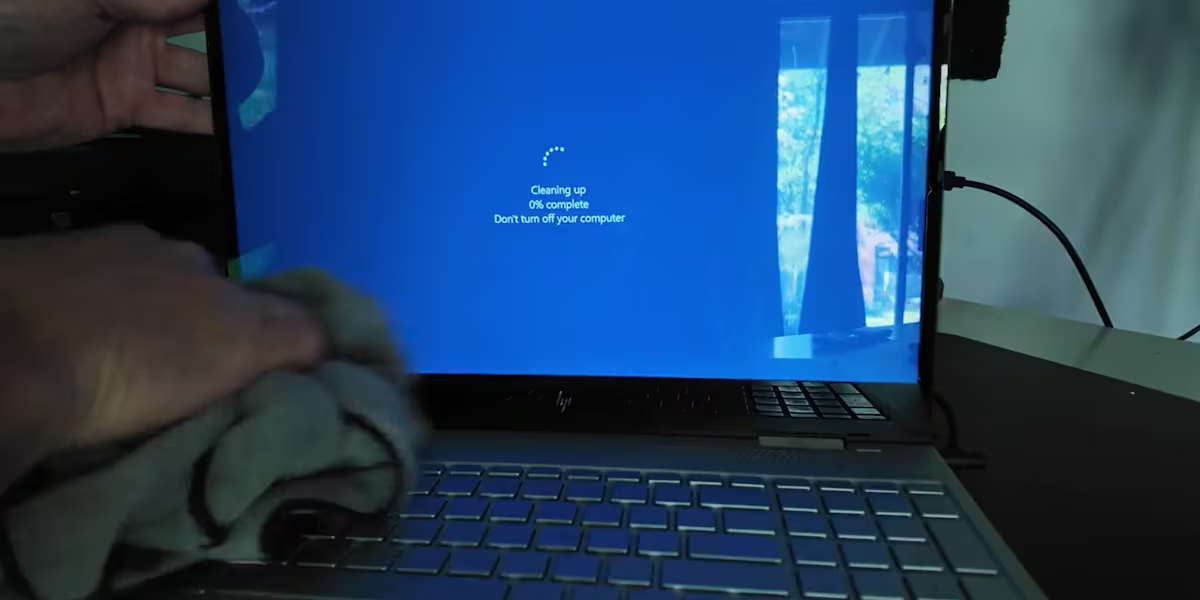
If there are fingerprints or smudges, lightly dampen the cloth with a mix of water and a little alcohol, or use a cleaner made specifically for screens.
Never spray directly on the screen.
And avoid paper towels. They can scratch it.
Clean up your desktop and apps
Now for the part most people skip.
If your desktop is covered in icons, it’s time to organize. Group files into folders and delete anything you don’t need.
Then go into your applications and uninstall programs you don’t use anymore. Just dragging an icon to the trash doesn’t fully remove it.
Speed up your computer by fixing startup programs
This one makes a noticeable difference.
Go into your settings and look for startup programs. You’ll often see a column labeled “startup impact.”
Anything marked “high impact” is slowing your computer down every time it turns on.
If you don’t need apps like Zoom, Spotify, or Teams to launch automatically, turn them off.
Don’t forget your Downloads folder
This folder quietly fills up over time with files you don’t need anymore.
If you’ve already installed something, you can delete the installer.
Clear it out, then empty the trash.
Restart your computer.
If you haven’t done this cleanup in a while, or ever, you’ll notice the difference almost immediately.
Faster startup. Less noise. Smoother performance.
Not bad for something that takes less time than cleaning out your closet.
Stream News 10 on your favorite devices! Here’s how to download the WILX app on Roku, Fire TV or Apple TV.
Be the first to see the Mid-Michigan headlines you care about – download the News 10 mobile app and subscribe to our News 10 newsletter and YouTube page to receive the latest local news and weather.
Copyright 2026 WILX. All rights reserved.